FABRICATION ARCHIVE / ORIGINAL CAD
PRINT
LIBRARY.
Functional objects, made to be made. Inspect each model in 3D, check its dimensions, then download the available model and source files.
Browse 1 modelModel catalogue
SELECT / INSPECT / DOWNLOAD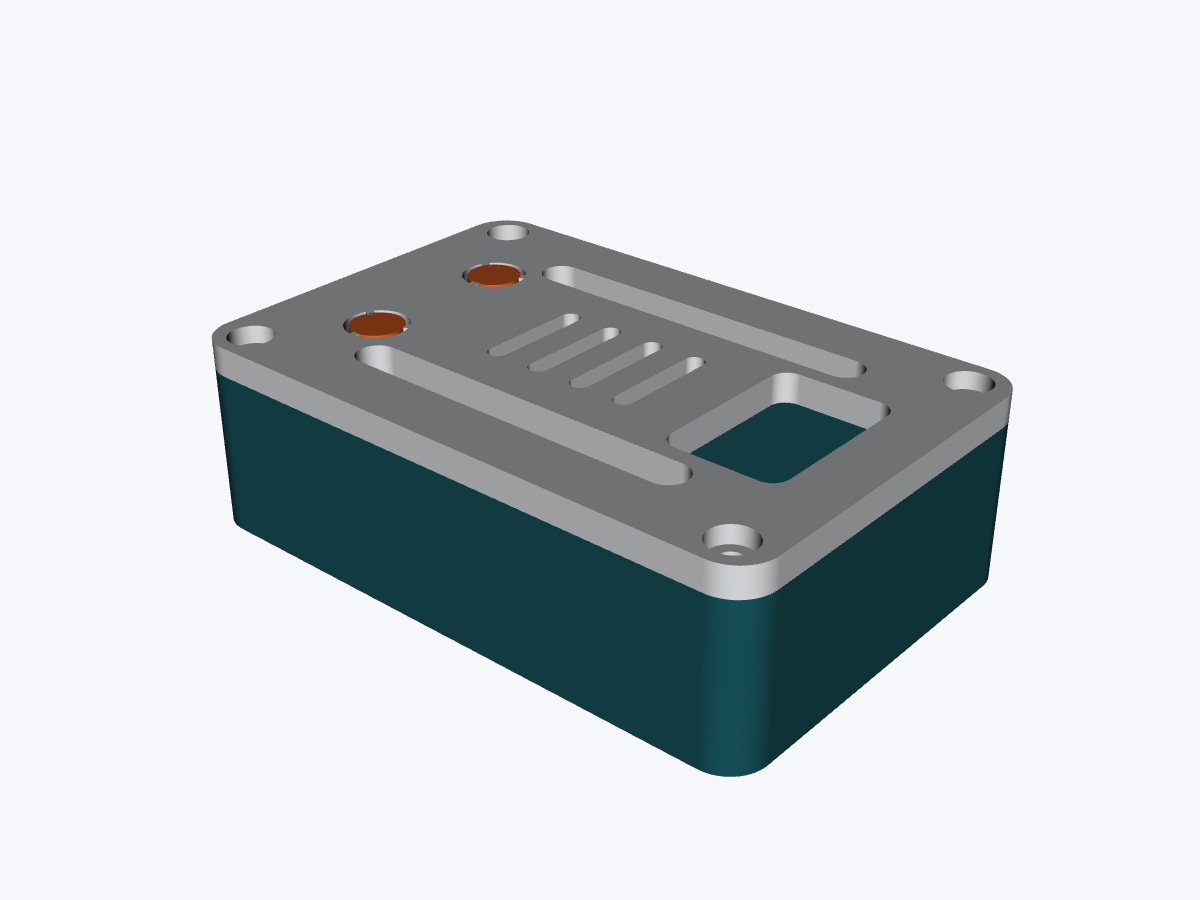
INTERACTIVE 3D
Loading model…
DRAG TO ORBIT / SCROLL TO ZOOM
ESP32 USB-C Enclosure
64 × 42 × 19.5 mm
FROM DOWNLOAD TO OBJECT
Print the assembly,
not the preview.
Coloured GLBs are for inspection. Where supplied, use 3MF or STL files in your slicer; Blender sources let you separate collection objects and export print files. Assemblies and collections are not arranged on a print plate.
- 01Download the complete pack or choose a format.
- 02Split the assembly into objects and orient each part.
- 03Confirm dimensions, material and printer clearances.